- Explanation: This extensive guide will be the definitive resource for WordPress developers looking to leverage the full power of Custom Post Types (CPTs) with JetEngine. We’ll start with the fundamental “why” – explaining the benefits of CPTs over standard posts/pages for structured content. Then, we’ll dive deep into JetEngine’s intuitive interface for creating CPTs, covering every crucial setting:
- Basic Setup: Post type slugs, labels, and icon selection.
- Advanced Settings: Public queryable, hierarchical, archive support, capabilities, and menu position.
- Meta Fields: This is where the magic happens! We’ll explore all of JetEngine’s field types (text, textarea, number, date, media, gallery, select, checkbox, radio, repeater, groups, etc.) and demonstrate their practical application with real-world examples (e.g., creating a “Book” CPT with fields for author, ISBN, publication date, cover image, and genre).
- Relationships: A critical section demonstrating how to link different CPTs (e.g., linking “Books” to “Authors” CPTs) using one-to-one, one-to-many, and many-to-many relationships, and how to display linked data.
- Taxonomies: How to create custom taxonomies (e.g., “Book Genres,” “Publisher”) for your CPTs and connect them.
- Practical Examples: We’ll walk through a complete example, perhaps building a simple directory or portfolio system using CPTs and JetEngine.
- Integration with Elementor/Gutenberg: Briefly touch upon how these CPTs seamlessly integrate into your page builder workflow for content input.
- Code Snippets: Offer useful code snippets for querying CPTs programmatically for advanced users.
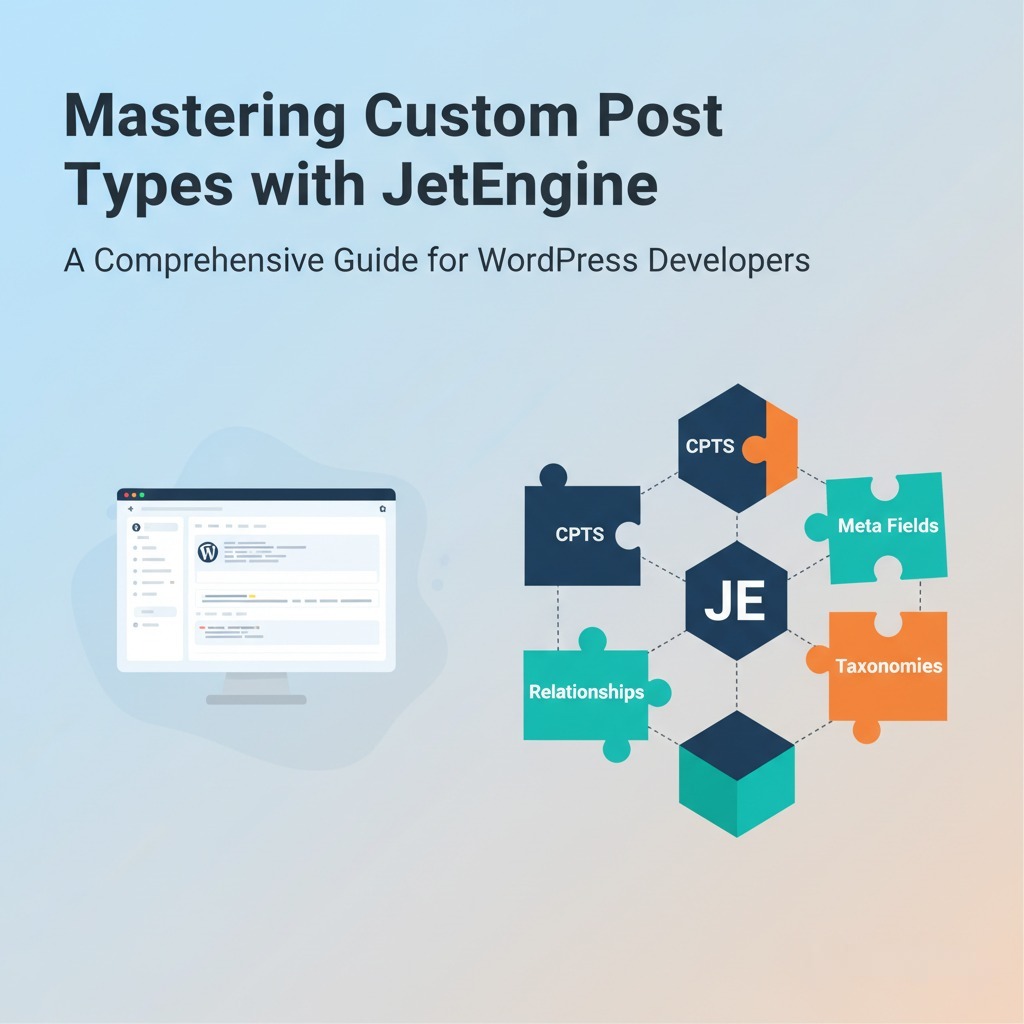
- Thumbnail Idea (16:9): A clean, modern graphic. On the left side, a stylized representation of a WordPress dashboard or a code editor with abstract code lines. On the right side, a series of interconnected, brightly colored building blocks or puzzle pieces, clearly labeled “CPTs,” “Meta Fields,” “Relationships,” with the JetEngine logo subtly integrated at the bottom right. The overall impression should be organized, powerful content structuring.
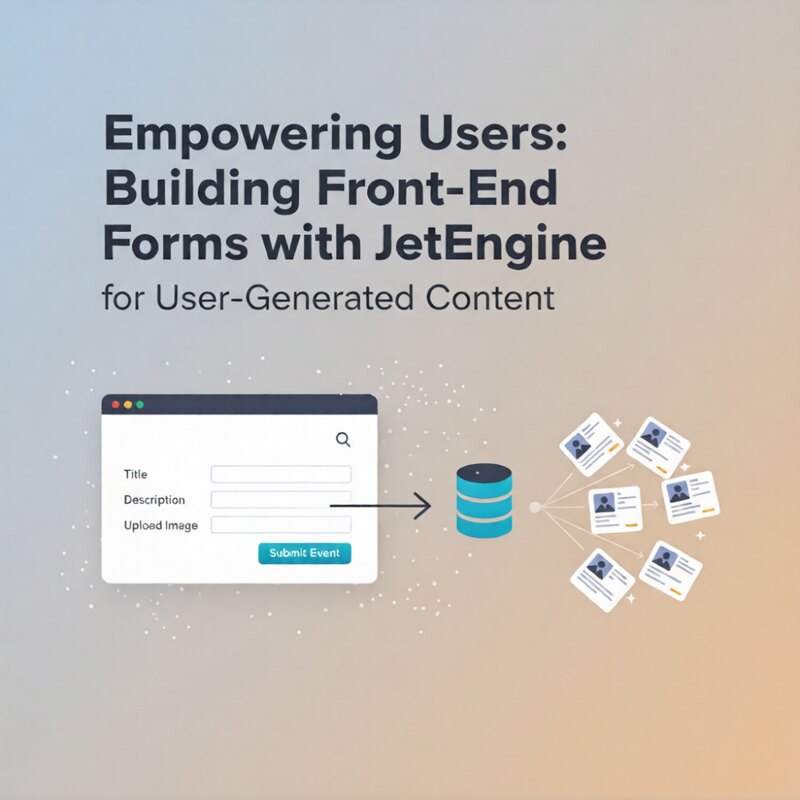
Empowering Users: Building Front-End Forms with JetEngine for User-Generated Content
Explanation: This comprehensive guide will walk WordPress developers through the process of creating powerful and user-friendly front-end forms using...