
- Explanation: This post will serve as a foundational guide for WordPress developers, clearly defining and contrasting static and dynamic content. It will explain why choosing the right approach is crucial for site performance, scalability, and maintainability.
- What is Static Content?
- Definition: Content that remains unchanged until a developer manually edits it within the WordPress editor or code.
- Characteristics: Fixed text, images, and layouts. Delivered exactly as stored.
- Examples: A simple “About Us” page, a basic “Contact” page, a one-off promotional banner.
- Pros: Fast loading (can be easily cached), simple to create for non-changing information, good for SEO for consistent content.
- Cons: Tedious to update across multiple instances, limited interactivity, not suitable for frequently changing data.
- What is Dynamic Content?
- Definition: Content that is generated “on the fly” when a user requests a page. It’s pulled from a database (like WordPress’s MySQL database) and assembled by PHP before being sent to the browser.
- Characteristics: Changes based on user interaction, time, database updates, or other variables. Highly flexible and interactive.
- Examples: Blog post listings, e-commerce product pages, user profiles, search results, event calendars, real estate listings, comments sections.
- Pros: Highly scalable (add thousands of items without manually creating pages), easy to update from a central database, personalized user experiences, efficient for displaying large amounts of structured data.
- Cons: Can be slower due to database queries (though optimization techniques exist), more complex to set up initially, requires more server resources.
- How WordPress Handles Both:
- Explain how WordPress itself is a dynamic CMS, but allows for static content creation (pages, fixed elements).
- Highlight the role of Custom Post Types, Custom Fields (like those managed by JetEngine), and database queries in enabling dynamic content.
- When to Use Which: Provide clear scenarios and best practices for deciding whether to use a static page or a dynamic listing/template for different types of information.
- The Role of JetEngine: Briefly explain how JetEngine empowers developers to build and display dynamic content efficiently, bridging the gap between database data and beautiful front-end design, making complex dynamic functionalities accessible without extensive coding.
- What is Static Content?
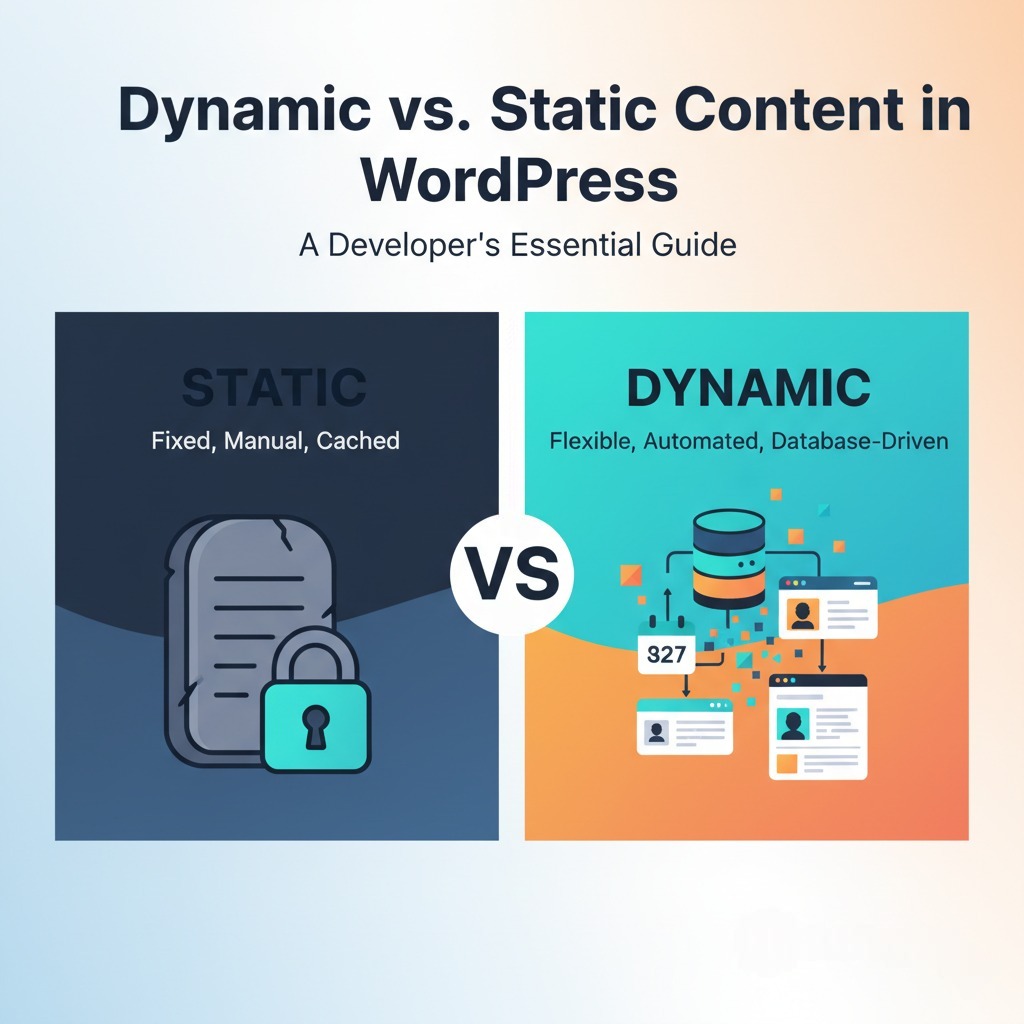
- Thumbnail Idea (600×400, no rounded corners): A clear visual dichotomy. The left side (representing “Static”) could show a simple, unchanging block of text or a stone tablet with carved information, perhaps with a padlocked icon or a “fixed” symbol. The right side (representing “Dynamic”) could show abstract data points or flowing information transforming into various forms – a database icon feeding into a web browser displaying different content types (like a blog list, a product grid, a calendar). A bold “VS.” or “Dynamic / Static” text in the center, with the JetEngine logo subtly placed at the bottom right.
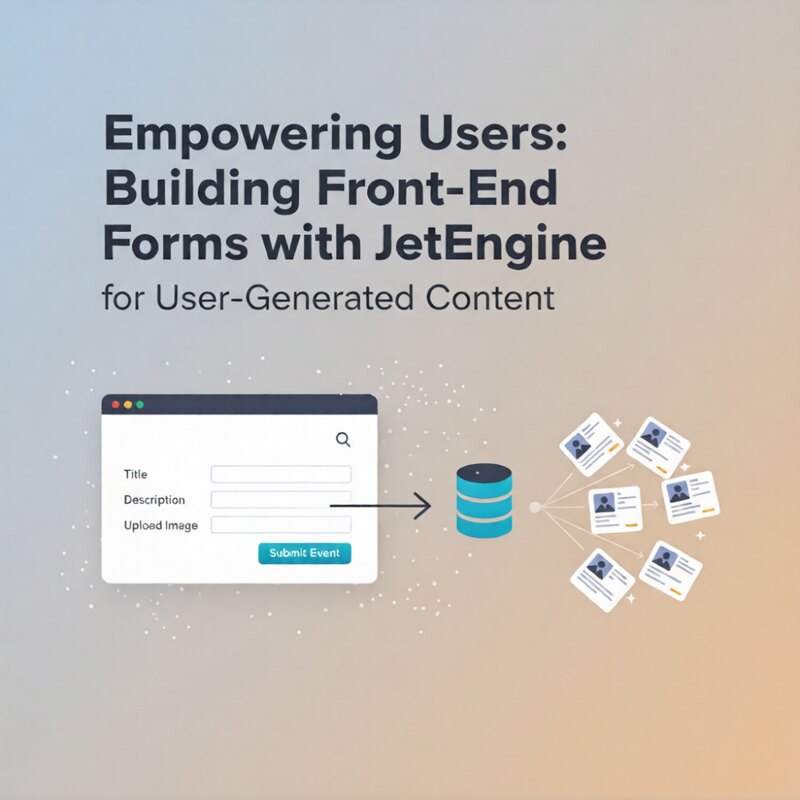
Empowering Users: Building Front-End Forms with JetEngine for User-Generated Content
Explanation: This comprehensive guide will walk WordPress developers through the process of creating powerful and user-friendly front-end forms using...