- Explanation: This post will empower developers to move beyond static layouts and create truly dynamic, data-driven websites using JetEngine’s powerful Listing Grid and Listing Template features. We’ll start by explaining the concept of dynamic content and why it’s essential for scalable and maintainable WordPress sites (e.g., real estate listings, team pages, event calendars, product catalogs). The guide will cover:
- Understanding Listing Templates: What they are, how they work, and their role in displaying CPTs and user meta. We’ll show how to create a custom template for a single item (e.g., a single “Product” card).
- Building Listing Grids: Step-by-step instructions on how to use the JetEngine Listing Grid widget (for Elementor) or block (for Gutenberg) to pull in dynamic content.
- Querying and Filtering: This crucial section will explain how to set up intelligent queries to fetch specific data. We’ll cover:
- Basic Queries: Displaying all items from a CPT.
- Advanced Queries: Filtering by meta fields, taxonomy terms, dates, and author.
- Relationship-based Queries: Displaying related items (e.g., “Courses by this Instructor”).
- Sorting and Ordering: How to arrange your dynamic content by date, title, meta value, or custom order.
- Pagination and Load More: Implementing user-friendly navigation for large datasets.
- Advanced Styling: Tips and tricks for styling your listing items and grids using Elementor/Gutenberg’s design options, custom CSS, and conditional visibility.
- Real-World Projects: We’ll walk through building a dynamic portfolio, an event calendar, or a simple product display to demonstrate the workflow from CPT creation to beautiful front-end display.
- Optimizing Performance: Best practices for ensuring your dynamic listings load quickly and efficiently.
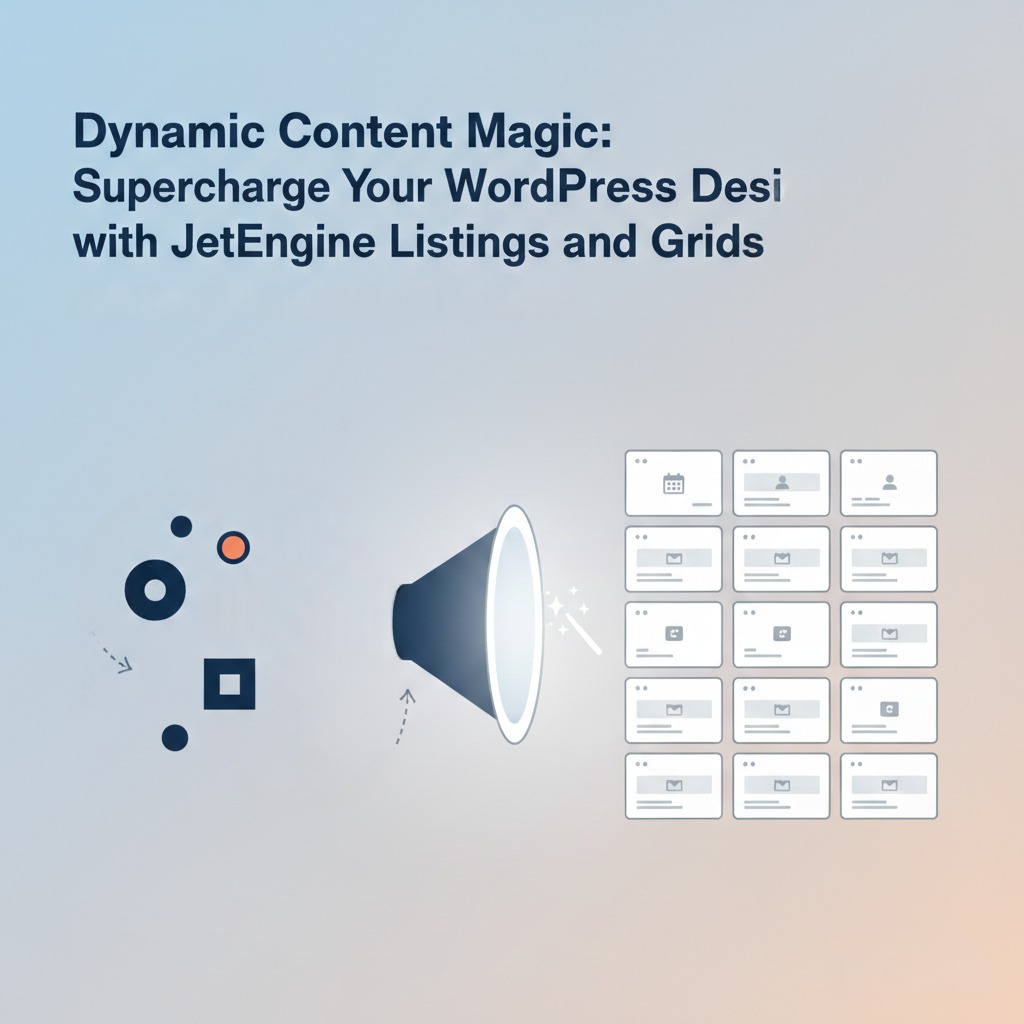
- Thumbnail Idea (16:9): A visually engaging graphic depicting data transformation. On the left, abstract data points or raw information flowing into a funnel or a “magic” portal. On the right, this data emerges as a beautifully designed, responsive web layout or a grid of aesthetically pleasing cards, hinting at different dynamic content types (e.g., a product card, an event listing, a user profile). A subtle “Magic Wand” icon or glowing effect could be incorporated. The JetEngine logo will be at the bottom right.
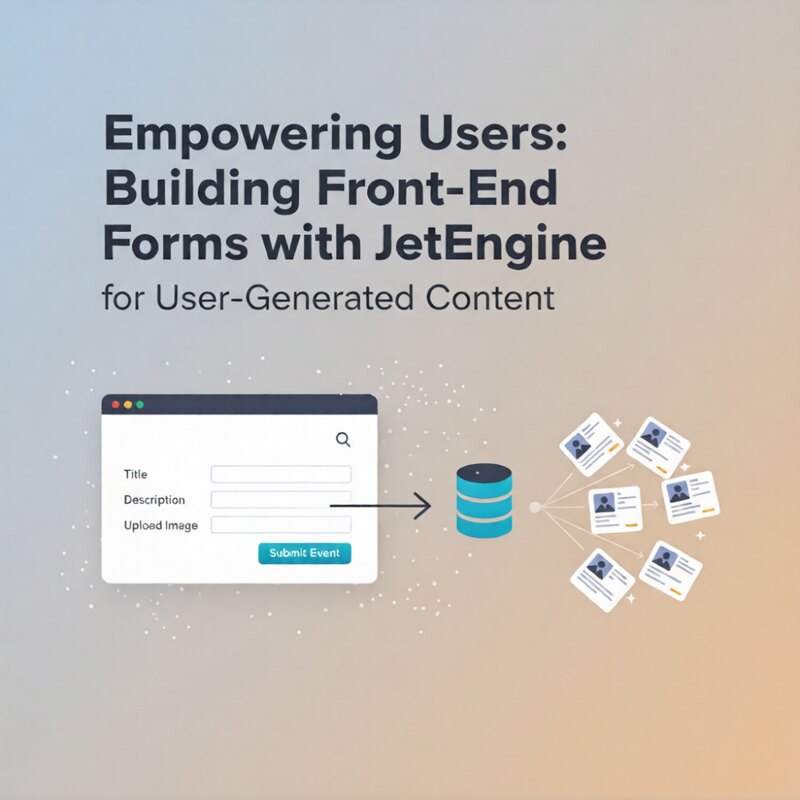
Empowering Users: Building Front-End Forms with JetEngine for User-Generated Content
Explanation: This comprehensive guide will walk WordPress developers through the process of creating powerful and user-friendly front-end forms using...